
8 Steps To Setting Up Your Restaurant's Google Business Profile
When tackling your restaurant’s online presence, it can be difficult to figure out where to start. After helping many clients address this issue, we believe there’s one clear starting point that should be a priority for every restaurant: your business listings.
That includes your Google Business Profile (formerly Google My Business), along with Yelp, Tripadvisor, and other relevant restaurant and review platforms.
Why start here? Because when someone searches for your restaurant, or simply searches for somewhere to eat nearby, your Google Business Profile can be one of the first things they see. It appears across Google Search and Google Maps and can give potential guests immediate access to your hours, address, phone number, website, menu, photos, reviews, directions, and other useful information.
And your profile isn't just there for people who already know your name. A well-maintained Google Business Profile can also help Google understand what your restaurant offers and when it may be relevant to local searches.
Google says local search results are primarily based on relevance, distance, and prominence, and that businesses with complete and accurate information are more likely to appear in relevant local results.
So while optimizing your restaurant's website for search is still important, your Google Business Profile deserves just as much attention.
Here are some of the most important things restaurant owners should be doing today.
1. GET VERIFIED
Step number one: claim and verify your Google Business Profile.
If you haven't claimed your restaurant yet, search for it on Google or Google Maps and follow the prompts to claim the business.
The verification process has changed quite a bit over the years. Google now determines which verification methods are available for each business. Depending on your restaurant and location, you may be asked to verify using a video recording, phone or text, email, live video call, or another available method. In some cases, Google may require more than one method.
Once your business is verified, you'll have greater control over how your restaurant appears across Google Search and Maps and can respond to Google reviews.

2. MAKE YOUR INFORMATION COMPLETE AND ACCURATE
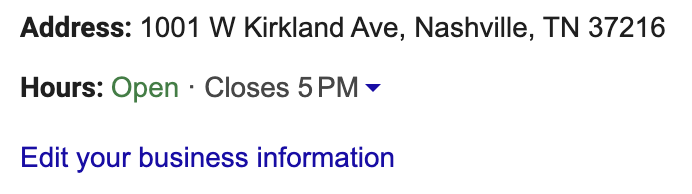
Your restaurant's name, address, phone number, website, and hours should all be accurate and up to date.
Google specifically recommends providing complete business information because it helps the platform understand your business and match it with relevant searches.
Consistency across the web is still a good practice, but don't get caught up worrying about whether "Street" is written as "St." everywhere. What's more important is that the underlying information is accurate and that your restaurant is represented consistently as it exists in the real world.
Google also recommends using your actual business name, the one customers see on your signage, website, and branding, rather than stuffing additional keywords into the name field. Adding unnecessary information to your business name can violate Google's guidelines and potentially create problems for your profile.
And don't forget about special hours. Holidays, private events, seasonal schedules, and temporary closures can all create frustrated customers if your Google listing says you're open when the doors are actually closed.
3. CHOOSE THE RIGHT CATEGORIES
Categories are one of the most important and often overlooked parts of your Google Business Profile.
Your primary category should describe what your restaurant actually is, whether that's an Italian restaurant, barbecue restaurant, sushi restaurant, coffee shop, bakery, or another available category.
Google recommends choosing categories that are as specific as possible while using as few as necessary to describe your core business. Categories shouldn't simply be added because they contain keywords you'd like to rank for.
Depending on your restaurant, you may also be able to add attributes that give customers more useful information about your business and amenities.
The goal is simple: give Google and your customers the most accurate picture possible of what you offer.

4. WRITE A USEFUL DESCRIPTION
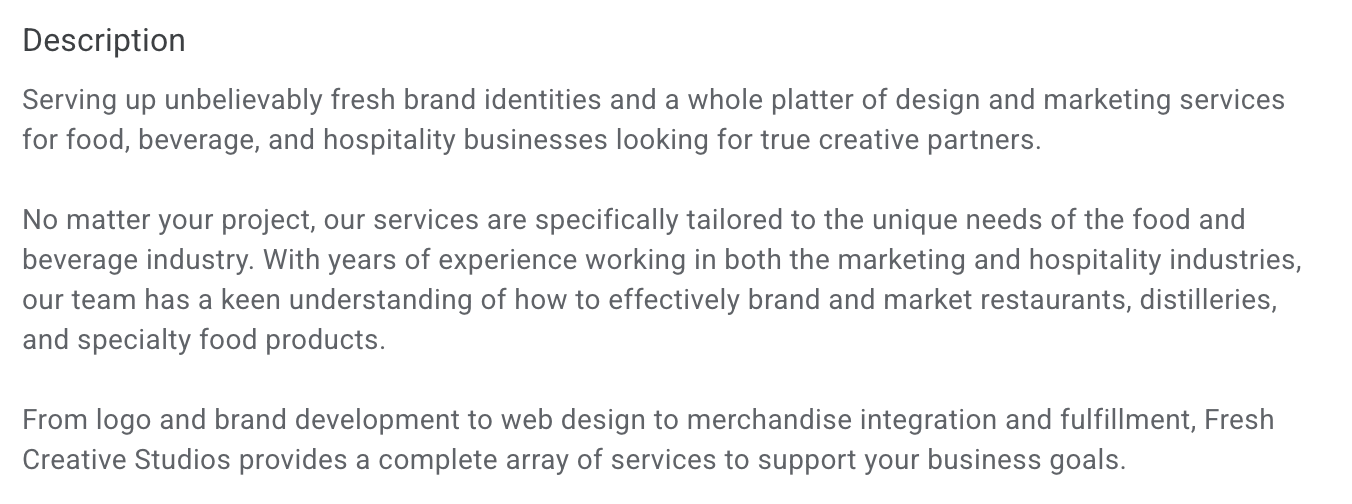
Your business description is an opportunity to quickly tell potential guests what makes your restaurant worth visiting.
Use it to explain what you offer, what makes your concept distinctive, how long you've been in business, and other information that would genuinely be useful to a potential customer. Google currently allows up to 750 characters in the business description.
There's an important distinction here from older SEO advice: don't treat your description like a place to stuff keywords.
Write naturally for people first. Include relevant information about your cuisine, concept, neighborhood, history, or specialties where appropriate, but avoid awkward repetition designed solely for search engines.
Google also prohibits links in the description and recommends focusing on the business itself rather than promotions, prices, or sales.
Google has even begun offering AI-assisted business descriptions in select regions and languages. If you use this feature, review the generated copy carefully for accuracy before publishing it.
5. ADD GREAT PHOTOS AND KEEP THEM CURRENT
For restaurants, photos are huge.
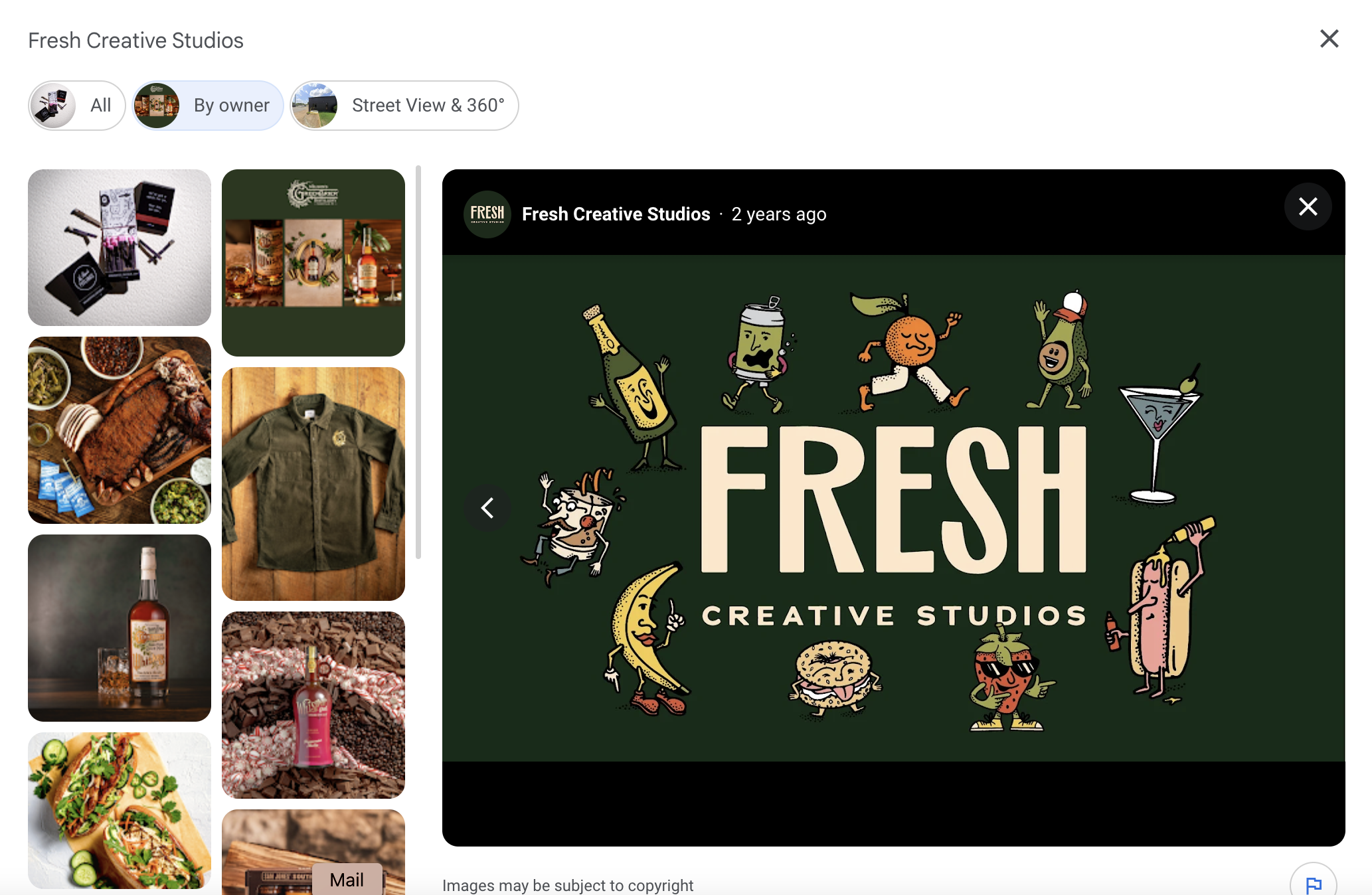
Potential guests want to see the food, dining room, patio, bar, atmosphere, and overall experience before deciding where to eat. Your profile should give them an accurate and appetizing preview.
Google recommends adding business-specific photos, including exterior and interior images. Exterior photos are particularly useful because they help first-time guests recognize your restaurant when they arrive.
Quality matters. Google's current photo guidelines recommend images that are well lit, in focus, and representative of reality rather than heavily altered or filtered.
For restaurants, we'd take that advice one step further: invest in professional food photography whenever possible.
Your burger might be incredible, but a dark, blurry cell phone photo isn't going to convince anyone of that.
And remember that customers can upload their own photos too. Google pulls Business Profile information and content from multiple sources, including business owners, customers, public web content, and third-party data.
That makes it worth checking your profile regularly to see what guests are seeing.
6. PAY ATTENTION TO REVIEWS
Reviews are one of the most visible parts of your restaurant's Google presence.
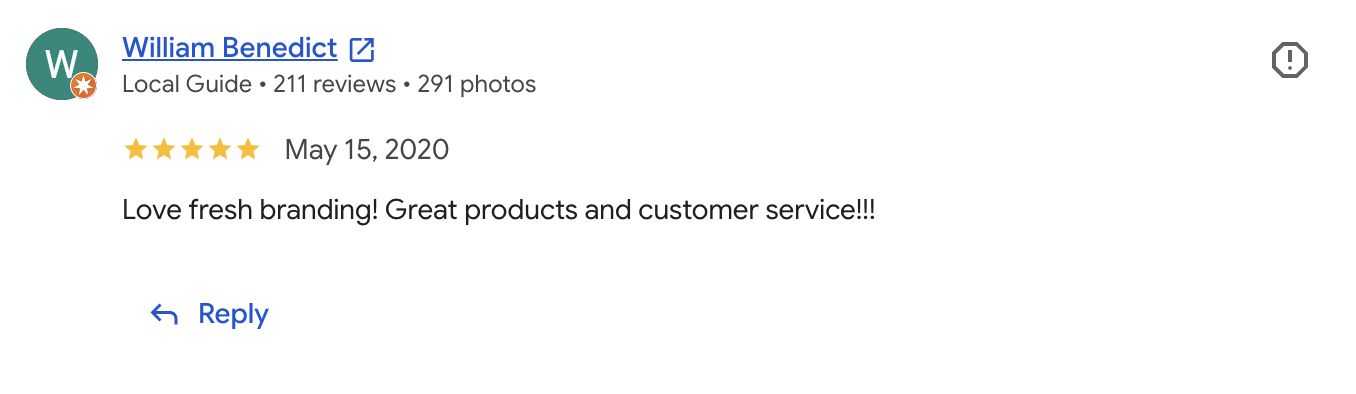
Google specifically recommends responding to customer reviews because it demonstrates that you value customer feedback. Positive reviews and helpful responses can also help your restaurant stand out to potential customers.
Respond to both positive and negative reviews when appropriate. Thank happy guests, answer legitimate questions, and handle complaints professionally.
A thoughtful response won't make a bad review disappear, but it does give future customers a chance to see how your restaurant handles problems.
You can also actively encourage happy customers to review your restaurant. Google allows businesses to share a review link or QR code with customers. What you shouldn't do is offer discounts, freebies, or other incentives in exchange for positive reviews. Google considers incentivized reviews fake or misleading content and prohibits the practice.
7. CHECK YOUR PROFILE REGULARLY
Setting up your Google Business Profile isn't a one-and-done project.
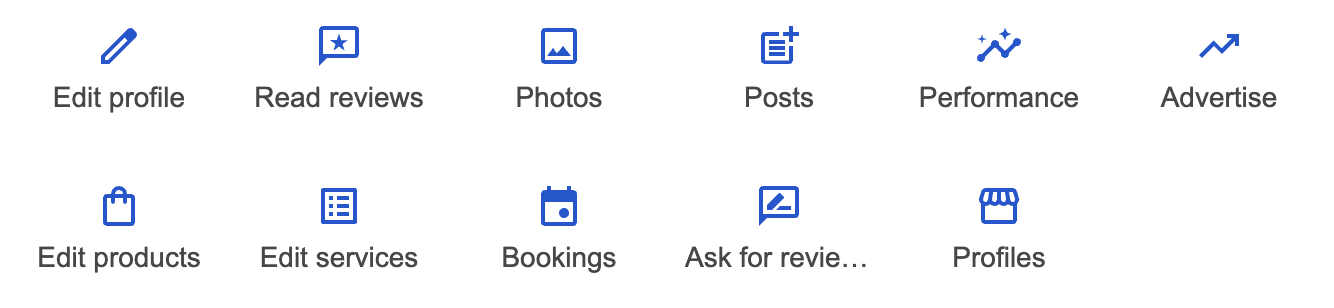
Google can update information on Business Profiles using sources such as user reports, licensed data, and other information it finds about a business. Business owners can review many of these Google updates from their profile.
Make it a habit to periodically check:
Your regular and special hours
Address and phone number
Website and other available business links
Primary and secondary categories
Business attributes
Description
Photos and videos
Reviews
Menu and restaurant information, where available
This is especially important after changing your menu, hours, phone number, website, branding, or other major business information.
8. LOOK AT YOUR PERFORMANCE
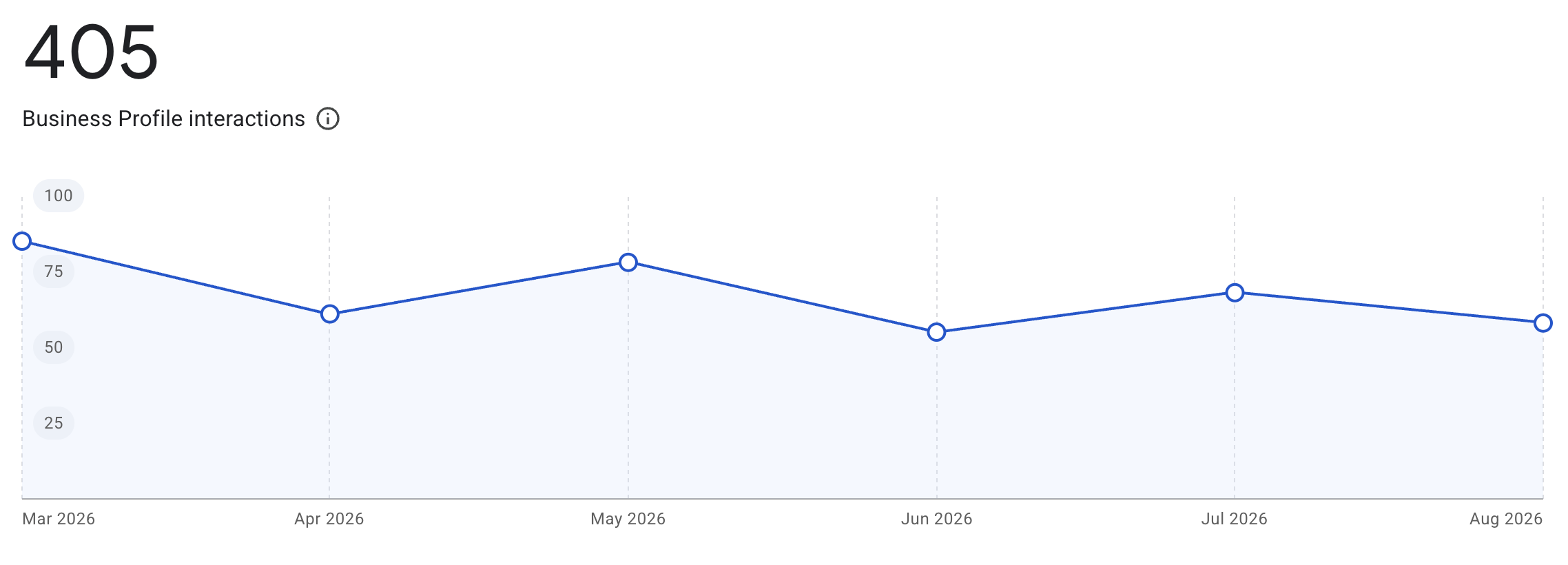
One major advantage of claiming your profile is access to Business Profile performance data.
Google provides verified businesses with information about how customers discover and interact with their profiles across Search and Maps, including profile views, clicks, and other customer interactions.
Don't just optimize your profile and forget about it. Check your performance periodically and look for trends.
Are people finding you? Are they visiting your website? Are they interacting with your profile?
Combined with your website analytics and reservation or ordering data, these insights can give you a much better understanding of how guests discover your restaurant online.
THE BOTTOM LINE
Your Google Business Profile may be one of the most important pieces of digital real estate your restaurant has, and maintaining it doesn't require a massive marketing budget.
Start with the fundamentals: claim and verify your profile, make your information complete and accurate, select the right categories, add great photos, respond to reviews, and keep everything current.
Your website is still important. Your social media is still important. Yelp, Tripadvisor, and other platforms can still matter too.
But when someone pulls out their phone and searches for your restaurant, or searches for their next place to eat, you want to make sure the information Google puts in front of them makes choosing you as easy as possible.